
01
Extend, do not duplicate
Keep a reference document, chat window, or other Windows app on a separate virtual display.
FOLD / WINDOWS + ANDROID
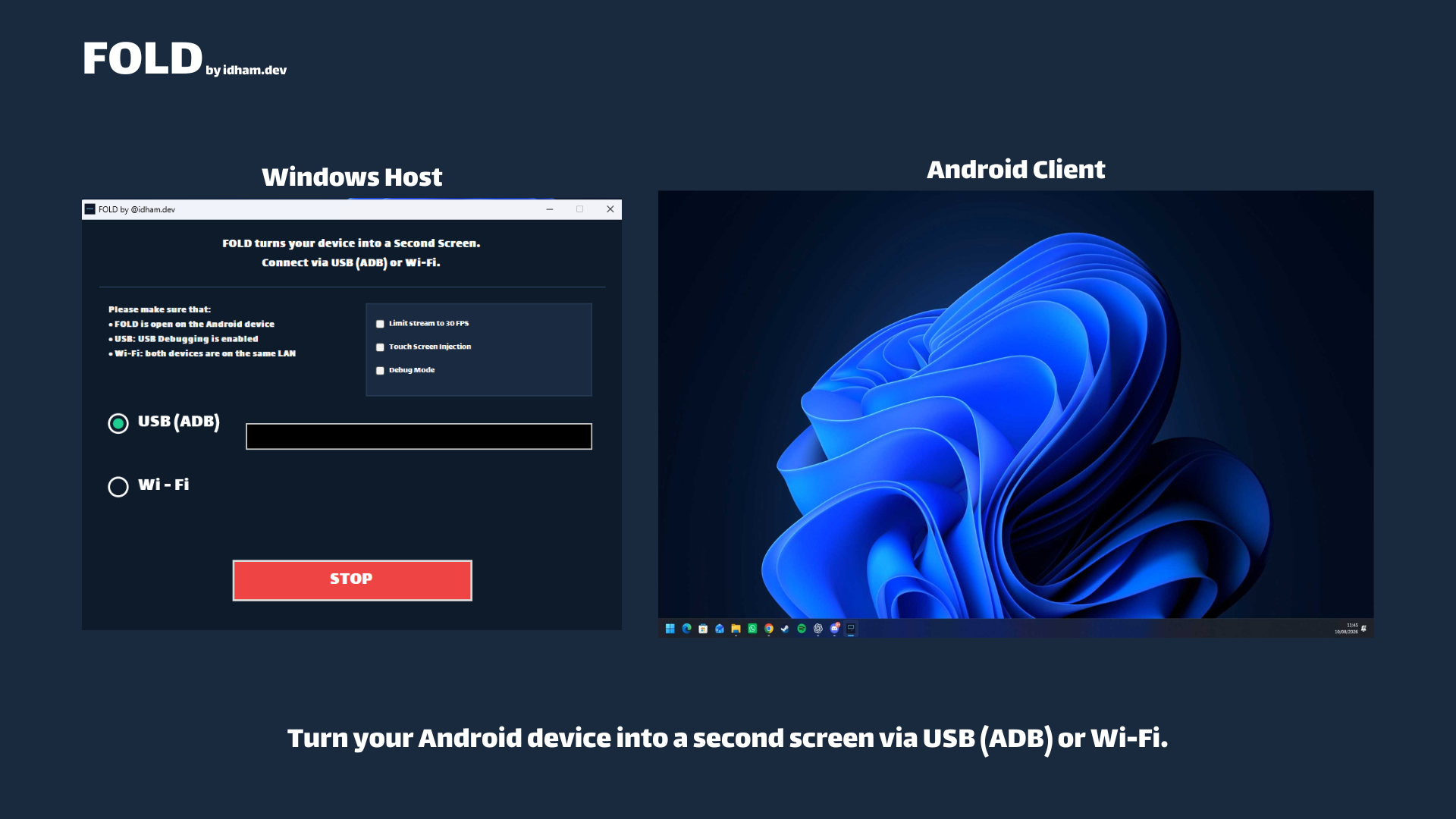
Turn an Android phone or tablet into a second monitor for your Windows 11 PC. FOLD extends your desktop over USB or trusted local Wi-Fi, with optional touch control. Move a window onto the extra display instead of duplicating your main screen.
Free to use · Proprietary freeware · Windows host + Android app
BUILT FOR THE EVERYDAY SETUP
01
Keep a reference document, chat window, or other Windows app on a separate virtual display.
02
Choose an ADB USB connection or trusted local Wi-Fi. There is no FOLD account or cloud relay.
03
Enable optional touch input on the host to control the virtual display from Android. A 30 FPS limiter is available.
BEFORE YOU DOWNLOAD
Install both halves of the product. The Android app does not replace the Windows companion.
Phones and tablets use the same client. Connection and portrait/landscape streaming have been tested on a TECNO CM5 phone and selected tablets, not every Android model. A tablet provides more usable desktop space. If a phone keyboard obscures the Wi-Fi IP field in landscape, enter the address in portrait.
FROM DOWNLOAD TO CONNECTED
Follow our step-by-step FOLD setup guide, with an ID / EN language choice, or use the official instructions for your release.
Full setup documentation ↗GOOD TO KNOW
No. FOLD creates a separate Windows virtual monitor. Move a window onto that display to see it on Android. It does not cast the Android screen to the PC.
No. This is an app-based USB/ADB connection, not HDMI or USB-C video input. Install the Windows host and Android app and use a cable that supports data.
The current product is proprietary freeware: free to use under its EULA, without an account, subscription, or advertising. The public repository provides documentation and official downloads.
The supported host is Windows 11 x64 and the client is Android. Windows 10, Linux, macOS, and iPadOS are outside the support scope.
READY TO TRY IT?
Download from the official release page. If something does not work, include the app version, device, and connection mode in your report.